THE TOUR

Shape the whole spectrum
without leaving the circle.

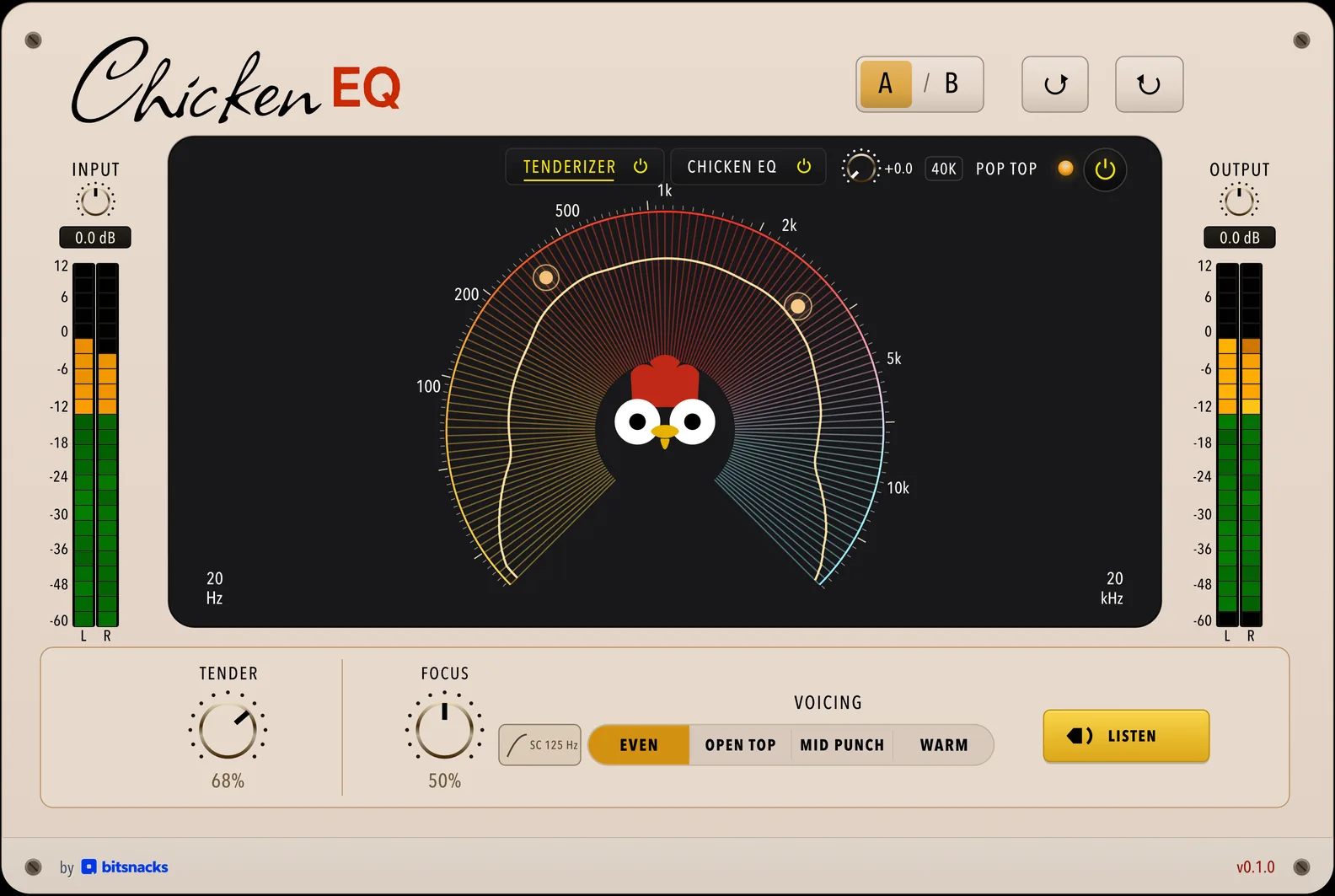
Every gesture below maps to one real host control and one production DSP state.

01

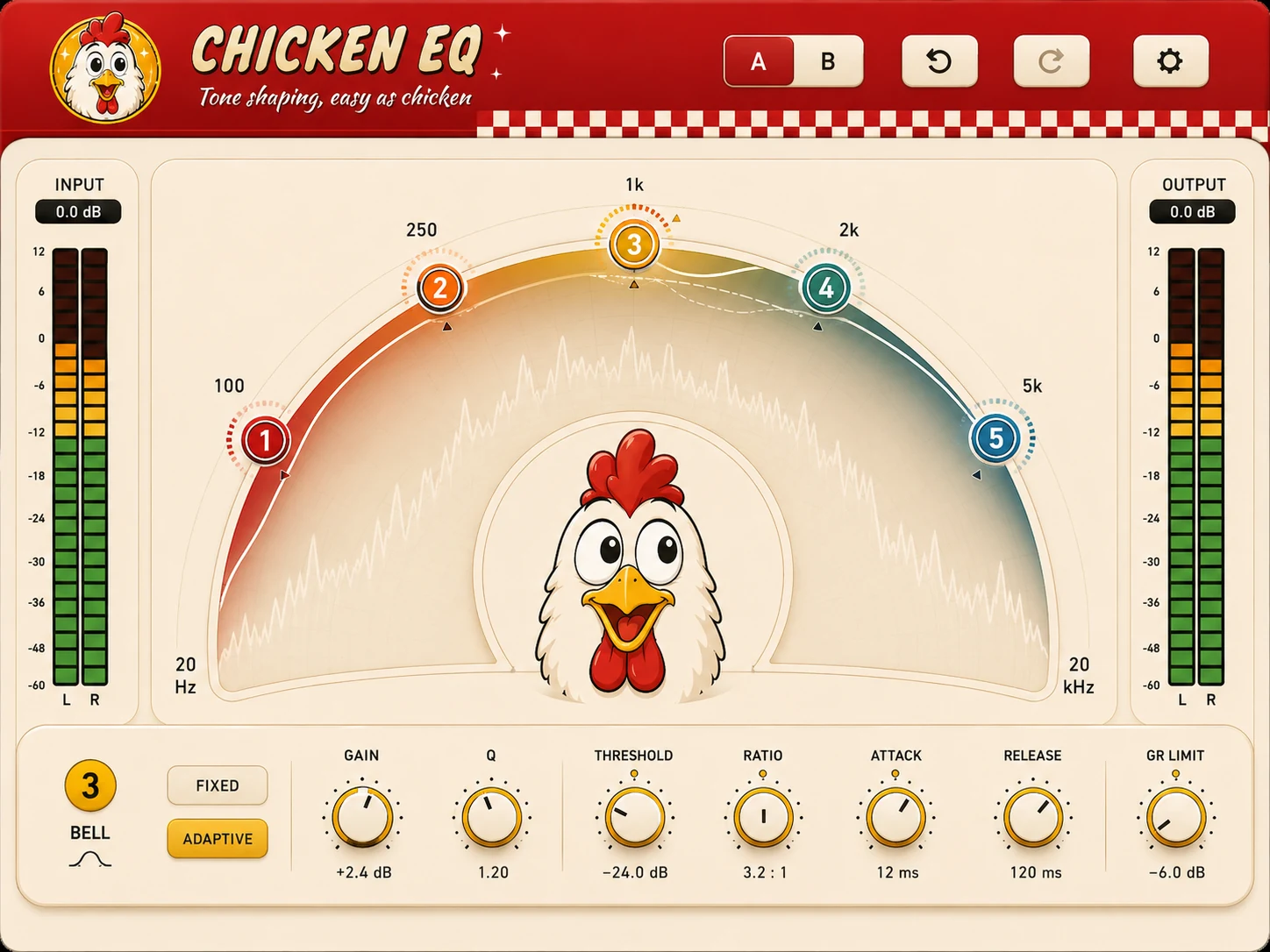
Place a band

Move around the circle to choose frequency. The split-log scale gives the low end room while keeping the top octave usable.

02

Set its gain

Move outward to boost or inward to cut. Radius and curve tell the same story.

03

Choose its shape

Bell, low shelf, high shelf, high-pass, low-pass and notch cover tone shaping and cleanup across up to six bands.

04

Let it react

Adaptive mode adds threshold, ratio, attack, release and a reduction ceiling. The live curve can only move below the static curve.

05

Read the answer

Static, live and reduction-limit curves stay separate. Each node carries its own reduction halo.

06

Compare safely

A/B, undo and redo keep exploration fast without turning the equaliser into a preset browser.